The smart thermostat is the only smart home device with a spreadsheet behind it: Energy Star attributes roughly 8% of heating-and-cooling savings to thermostat schedules — about $50 a year in a typical home, more where summers or winters are serious. But the savings depend on two things the box cannot promise: compatibility with your system and a schedule worth learning. This guide covers both, plus what the learning models actually do.
First: The Compatibility Check
Five minutes before purchase, open your current thermostat's faceplate and look at the wires. Standard low-voltage systems (the most common US setup) show a cluster of small wires labeled C, R, W, Y, and G — nearly every thermostat in our Smart Thermostats collection works with these. The Electric Baseboard Thermostat exists for the exception: high-voltage baseboard heat, which standard thermostats cannot control and which needs its own line-voltage model. Match the model to the wires and installation is a thirty-minute DIY.
The C-wire question
Many older systems lack a C (common) wire, which smart thermostats use for constant power. Check the product page's compatibility notes — several models in our collection work without one using power-bridging, but knowing before the box arrives saves the support call.
What Self-Programming Actually Means
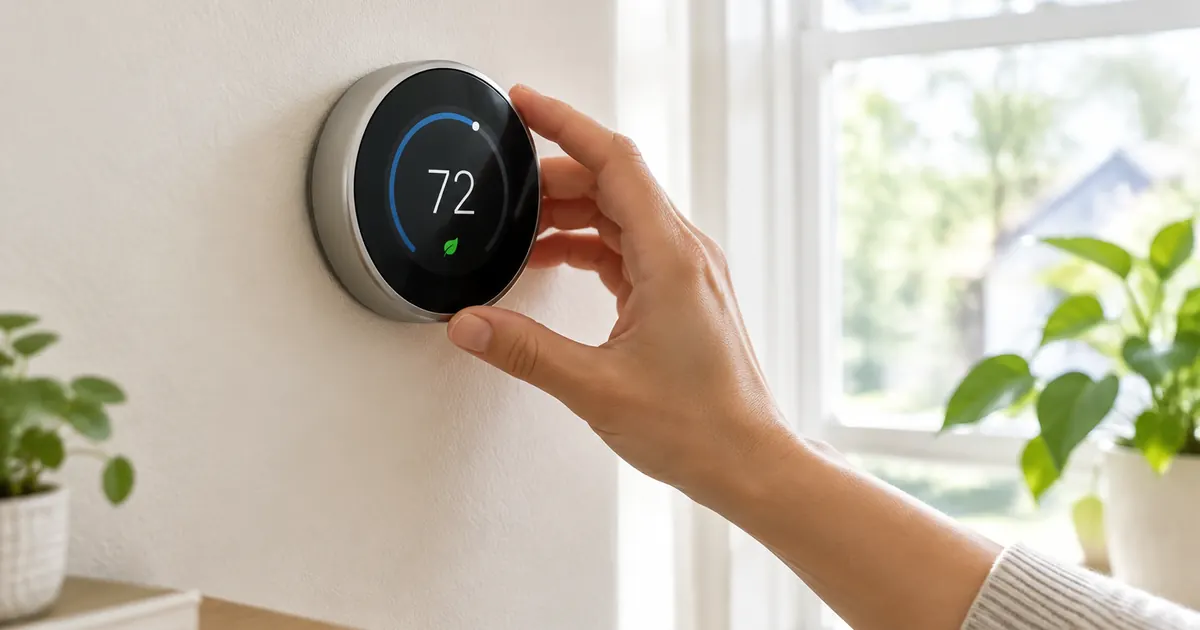
The Touchscreen Smart Thermostat and its self-programming siblings work in two modes. Scheduled mode is what it sounds like: you set temperatures by time block, and the thermostat obeys. Learning mode is the feature that earns the "smart": for about a week, the thermostat records when you raise and lower the temperature, then builds the schedule itself — and keeps adjusting to schedule changes seasonally. Households with genuine routines (workdays, weekends) get the most from learning mode; shift workers usually prefer manual schedules.
Where the Savings Actually Come From
Three mechanisms, in order of impact. Setback: the house drops to 62°F in winter (rises in summer) while nobody is home or awake — the largest single saving, worth 1–3% per degree of setback. Remote control: the schedule adjusts from anywhere, so a late meeting or an early arrival never heats an empty house. Reports: monthly energy history shows what the settings actually cost, which turns abstract efficiency into a number you can optimize. The Honeywell Home T9 adds room sensors, which solve the upstairs-downstairs war by averaging where comfort actually matters.
Setup: The Thirty-Minute Reality
- Photograph the old wiring before disconnecting anything — the universal insurance policy.
- Kill the HVAC breaker, swap the faceplate, mount the new base, and connect wires to their labeled terminals.
- Power on and connect to 2.4GHz WiFi; the app walks the configuration and the thermostat calibrates itself.
- Let it learn for a week before judging — the first three days of a learning thermostat look like chaos, then the pattern appears.
The Honest Payback Math
Renting vs Owning: The Thermostat Question
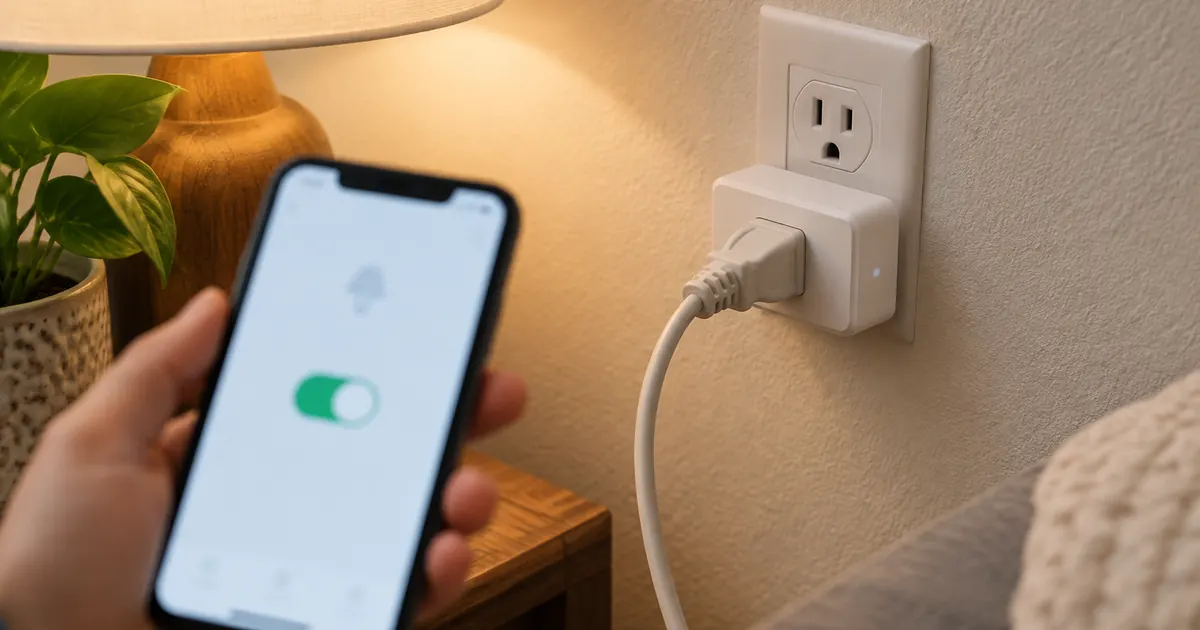
Renters can absolutely join: the thermostats here are faceplate swaps, not wiring jobs, and the old faceplate goes in the closet until move-out day — five minutes to restore the original, deposit untouched. The plugs and bulbs need no permission at all, which is why the plug-first plan is doubly correct for rentals.
Heat Pumps: The Special Case
Heat pump homes deserve a specific note: heat pumps lose efficiency when backup strips engage, which abrupt setbacks can trigger. The fix is a gentler schedule — two to three degrees of setback rather than eight — or a thermostat with heat pump logic that manages recovery rate. The collection's product pages note heat pump compatibility, and the honest advice for heat pump households is that comfort savings come from scheduling and remote control more than deep setbacks.
What the Reports Actually Teach
The monthly energy history is the feature that changes behavior, because it converts the abstract bill into specific choices: the report shows exactly what the setback schedule saved this month versus last, and what the guest visit or the heat wave cost. Households that read the reports optimize the schedules; households that ignore them still save, just less. The touchscreen models surface the history on the wall unit itself, which is the version of the report that actually gets read.
A $170 thermostat saving $50 a year pays back in about three and a half years; in extreme climates (Minnesota winters, Texas summers) the same device pays back in under two. Add the comfort argument — waking to a warm house without running heat all night — and the thermostat is the rare smart home purchase that is justified by either the math or the mornings. Free US shipping, tax-free pricing, and 30-day returns make the compatibility experiment reversible; the savings, once they start, are not.