Hexagon light panels are the smart home's most photogenic product, which is exactly the problem: they are bought for the photos and judged by the room. In the right placement they transform a wall into the room's centerpiece; in the wrong one they read as expensive nightlights. This guide covers where they genuinely work, how to lay them out, and the honest limits — from the team that ships and uses them.
Where Panels Earn Their Wall
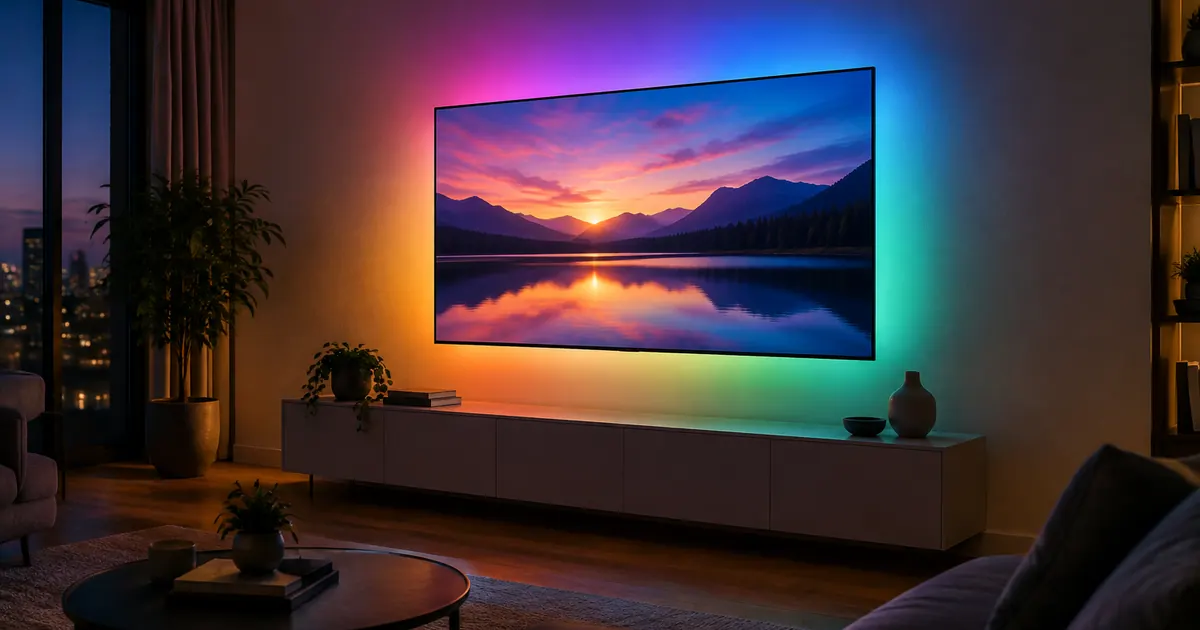
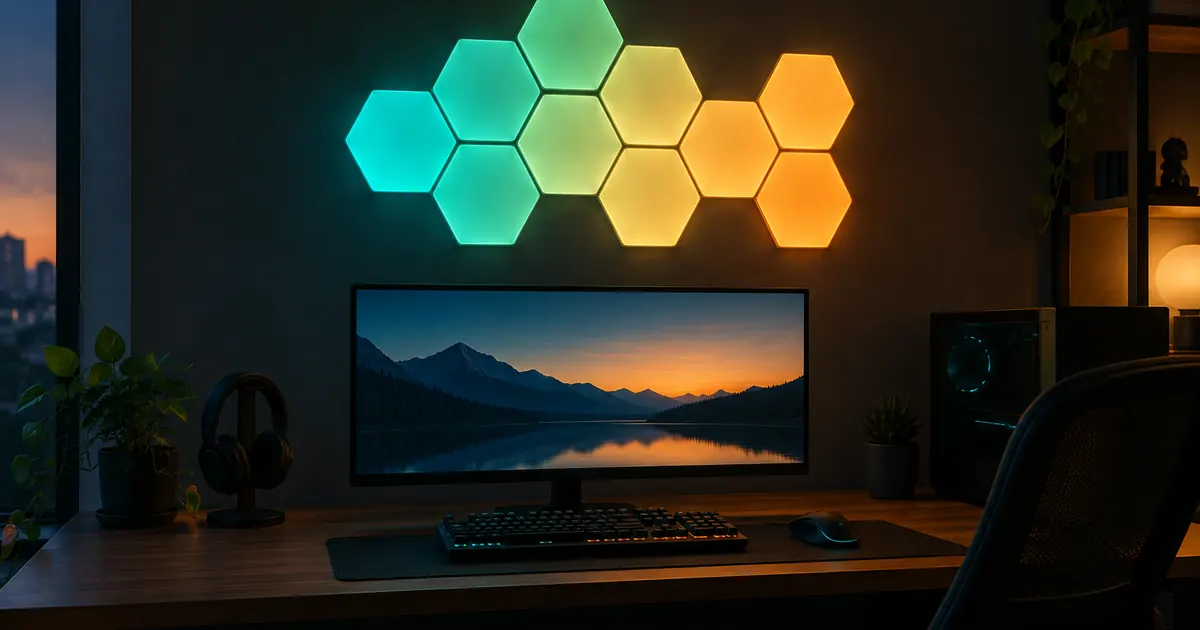
Four placements account for nearly every satisfied customer. The gaming or streaming setup: panels behind a monitor bias light the wall, reduce eye strain in dark rooms, and react to scenes through the app. The living room feature wall: a honeycomb behind the sofa or TV becomes the room's design statement. The bedroom headboard: warm-white scenes for winding down, with brightness that no lamp matches. And the home studio or office: background lighting that makes video calls look intentional. The 16-Panel Hexagon Kit covers any of these — roughly four feet by three feet of wall in the classic honeycomb.
The placement that disappoints
Panels on a wall that faces direct sunlight spend the day invisible — ambient light washes out anything but the brightest settings. Panels also cannot be seen from the side; they glow forward, so a hallway wall viewed edge-on wastes them. Choose a wall you look at straight-on in the evening, and the panels pay for themselves in daily use.
Layout: Design Before You Stick
The adhesive is strong, so the layout decision is effectively permanent. Two approaches that work: the organized honeycomb — a clean hexagon or diamond of panels, which suits living rooms and bedrooms — and the organic scatter, which suits creative spaces. Plan on paper first, use every panel in the kit (a half-finished layout reads as unfinished), and keep panels at eye height or above, where they read as architecture rather than toy.
Scenes: The Feature That Justifies the Price
Individually, the panels are pretty lights. As a system with scenes, they are the fastest mood change in the home: one tap moves the wall from "focus" (cool white, medium brightness) to "movie" (dim amber) to "party" (color cycle). The app-controlled kit also pairs with Alexa and Google, so "movie time" becomes a voice command that dims the panels and starts the show. Scenes are the difference between lighting you adjust and lighting that adjusts to you.
The Honest Limits
- Not room lighting. Panels accent a wall; they do not replace ceiling fixtures. Pair them with the color smart bulbs for the rest of the room.
- Textured walls fight the adhesive. Smooth painted drywall holds for years; heavy texture needs the extra mounting tape for permanence.
- They need power. Panels plug in — plan the outlet, or the cable run becomes the design flaw everyone notices.
Expanding Later
Kits are expandable — panels connect to each other through the frame connectors, and the app absorbs new panels into existing scenes automatically. The common path: the 16-panel kit for the first wall, an expansion pack six months later for the second. Starting with one honest wall beats scattering three half-walls across the house.
The Music Sync Question
RGBIC panels and strips include music-reactive modes, and the honest review is: they are the party feature, not the daily one. The mic picks up room audio and the panels pulse in segments — genuinely impressive for gatherings, quietly distracting for everything else. The pattern that works: music sync lives in the party scene, and the daily drivers are the static scenes — focus, warm, movie. The 16-panel kit's scene system makes switching between the two a single tap, which is what keeps the feature fun instead of exhausting.
Panels vs Strips: The Honest Comparison
The two products overlap less than they appear to. Panels are architecture — a designed shape on the wall, best when given a whole wall and a layout plan. Strips are edges — hidden behind lips and under cabinets, best when unseen and glowing. The rooms that feel fully "smart lit" use both: the RGBIC strip behind the desk or TV, the panels on the wall it faces. One accent per sightline is the rule; two competing accents read as a showroom, not a home.
Our Smart Lighting collection holds the hexagon kit alongside the strips and bulbs that complete a room, with free US shipping, tax-free pricing, and 30-day returns — because the real test is whether you still look at the wall in month three. You will.