The smart home has a failure pattern, and it is expensive: buy into an ecosystem first, devices second, and end up with a hub that needs its own hub. The pattern that works is the reverse — start with the annoyances worth automating, buy the devices that fix them, and let the ecosystem be whatever the devices already speak. This guide is the weekend plan: what to buy first, what to set up in what order, and why the first hundred dollars is the only risky spend.
Before Buying: The Annoyance List
For two days, write down every repeated annoyance that technology could touch: lights left on in empty rooms, the thermostat heating a sleeping house, the "did I lock the door" spiral, the fan that needs switching off across the room. The list is the shopping list — and it is different for every household, which is why the best smart home purchases never come from a bundle. Most lists, though, converge on the same three devices, in the same order.
Device One: The Smart Plug ($12–$22)
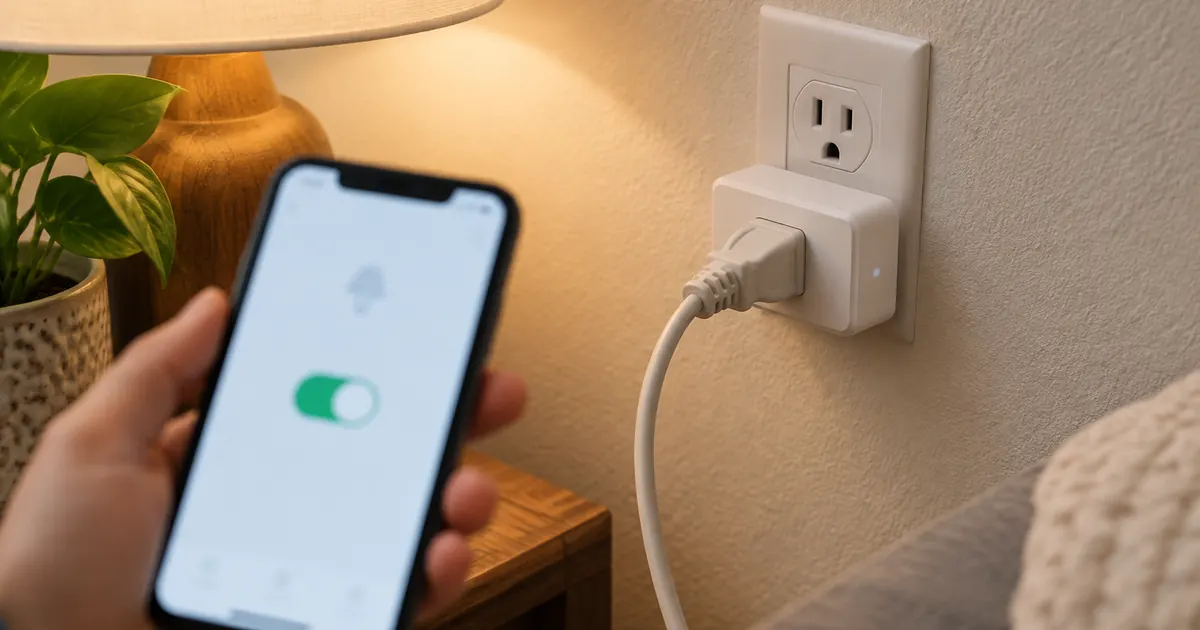
The Smart Plug Mini is the correct first purchase because it automates whatever you already own: the lamp, the fan, the coffee maker. Setup is two minutes, voice control arrives with the Alexa or Google link, and the monitoring version adds the energy audit that pays for the whole hobby. Buy two — the second plug is where the schedules start.
The first schedule that sells the hobby
Sunset-to-midnight lamp schedules are the gateway: the house lights itself at dusk and puts itself to bed, every day, without a command. It is the automation that converts skeptics, and it costs twelve dollars to demonstrate.
Device Two: The Smart Bulbs ($15–$35)
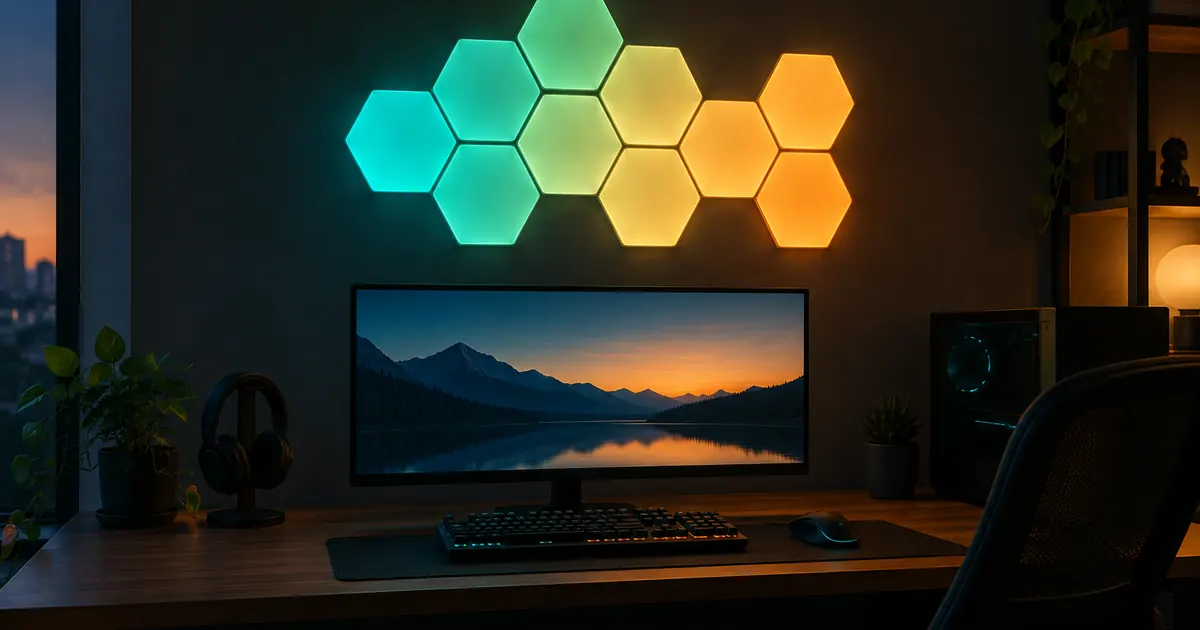
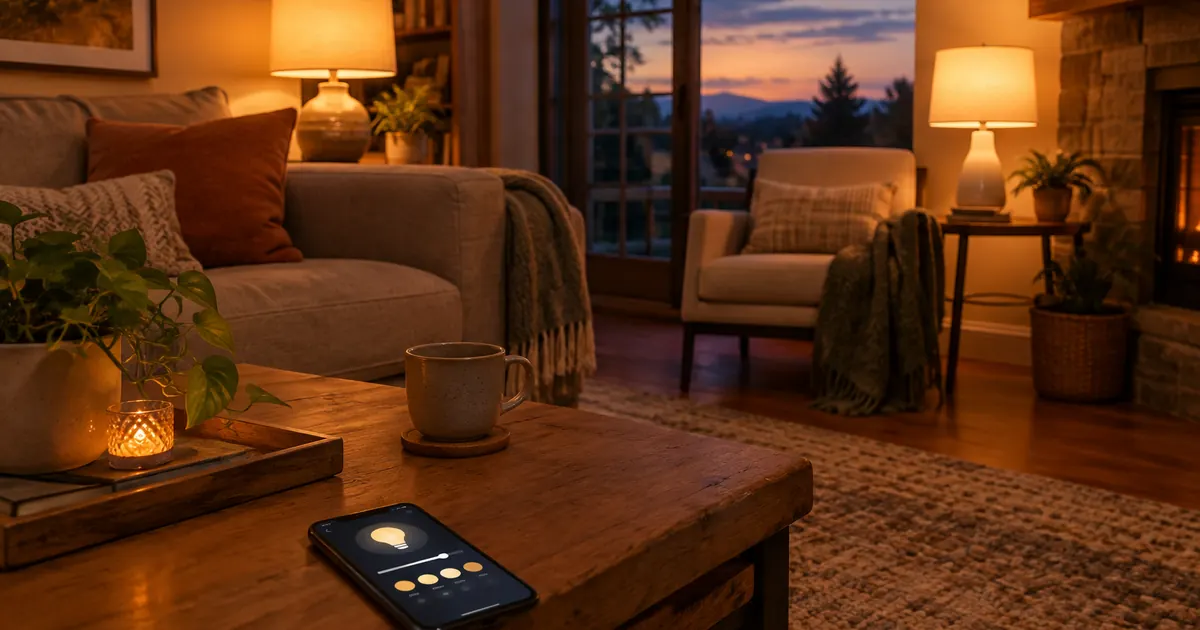
The 16-Million-Color Smart Bulb replaces the bulb, not the lamp — and adds what plugs cannot: dimming, color, and scenes. The practical starter is the 4-Bulb Starter Kit: the living room's four lamps join one app group, "movie time" becomes a single command that dims everything, and the morning alarm becomes a gradual brightening. One rule from the FAQ that matters: the wall switch stays on; the bulb is controlled by app and voice, not by the toggle it outlived.
Device Three: The Thermostat ($90–$180)
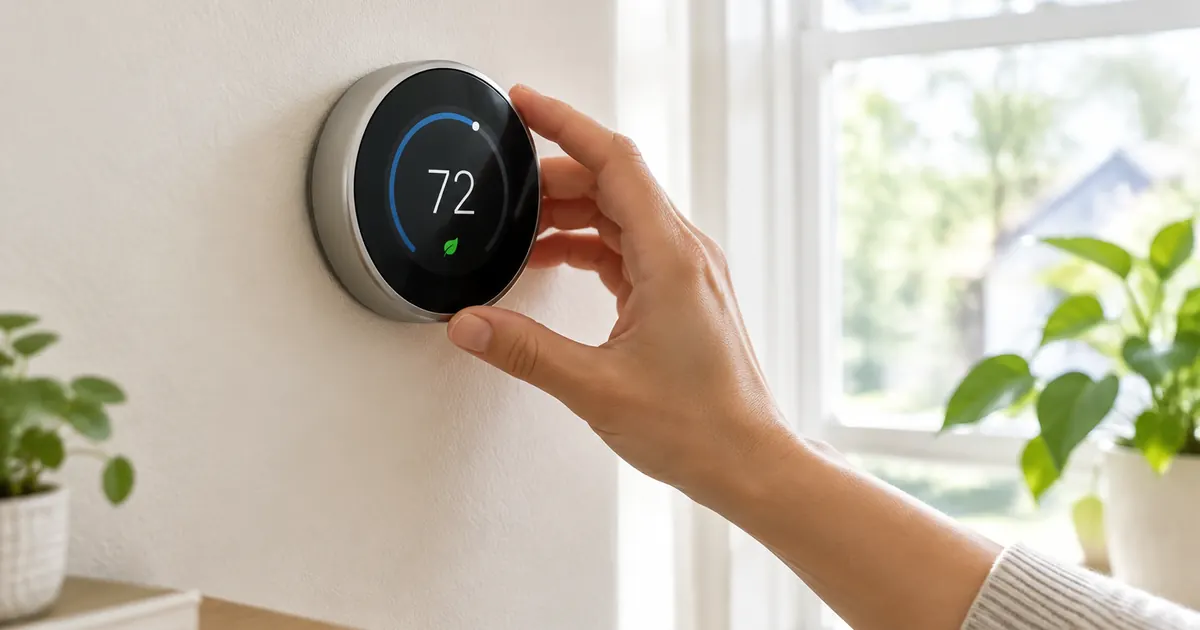
The thermostat is the first device with a payback schedule — Energy Star's 8% heating-and-cooling savings — and the Touchscreen Smart Thermostat installs in thirty minutes with the wiring check from our thermostat guide. It is the device to buy second-month, not first-weekend: the plugs and bulbs teach the app habits that make the thermostat's schedules obvious.
The Weekend Setup Order
- Saturday morning: WiFi check — the whole plan runs on 2.4GHz, and the router settings that split bands are the one technical hurdle worth clearing first.
- Saturday afternoon: plugs in, paired, first schedules set.
- Sunday morning: bulbs in, grouped by room, two scenes built (movie, morning).
- Sunday evening: the voice-link ceremony — "Alexa, movie time" working for the first time is the moment the smart home clicks.
The $100 That Starts It
The 2.4GHz Hurdle, Cleared
The one technical stumble in every smart home start: modern routers broadcast two bands (2.4GHz and 5GHz), and smart devices speak only the first. If pairing fails, the router settings need the bands split or the phone paired to the 2.4GHz side during setup — ten minutes of router admin that unblocks the entire category. The plugs and bulbs all document this in their setup guides, and it is the reason the starter plan puts the WiFi check before any unboxing.
Month Two: The Thermostat and the Rhythm
By the second month, the household has app habits — groups, scenes, the voice commands that stuck. That is the moment the thermostat joins: its schedules are the same skill applied to the biggest energy line in the house, and the learning mode builds on routines the household can now articulate. The smart home that grows in this order — plugs, bulbs, thermostat, then the camera — ends up coherent; the one that starts with a camera and a hub ends up in the drawer.
Two plugs, a starter kit, and change: under $100 covers the first weekend, and every device in it works with Alexa and Google from day one — no hub, no ecosystem oath. The plugs and lighting live in our collection pages, with free US shipping, tax-free pricing, and 30-day returns. The smart home that starts with problems solved ends up calm; the one that starts with gadgets ends up in the drawer. Start with the annoyances.